
• New
NDK LLMs Generator - PrestaShop Module for AI SEO
zoom_in
  • NDK LLMs Generator - PrestaShop Module for AI SEO
  • NDK LLMs Generator - PrestaShop Module for AI SEO
  • NDK LLMs Generator - PrestaShop Module for AI SEO
  • NDK LLMs Generator - PrestaShop Module for AI SEO
  • NDK LLMs Generator - PrestaShop Module for AI SEO
  • NDK LLMs Generator - PrestaShop Module for AI SEO

Module PrestaShop Ndk 2FA

TOTP Two-Factor Authentication to secure your PrestaShop store

Greatly reduce account takeover risk with 2FA on both Back Office and Front Office

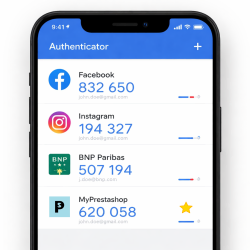
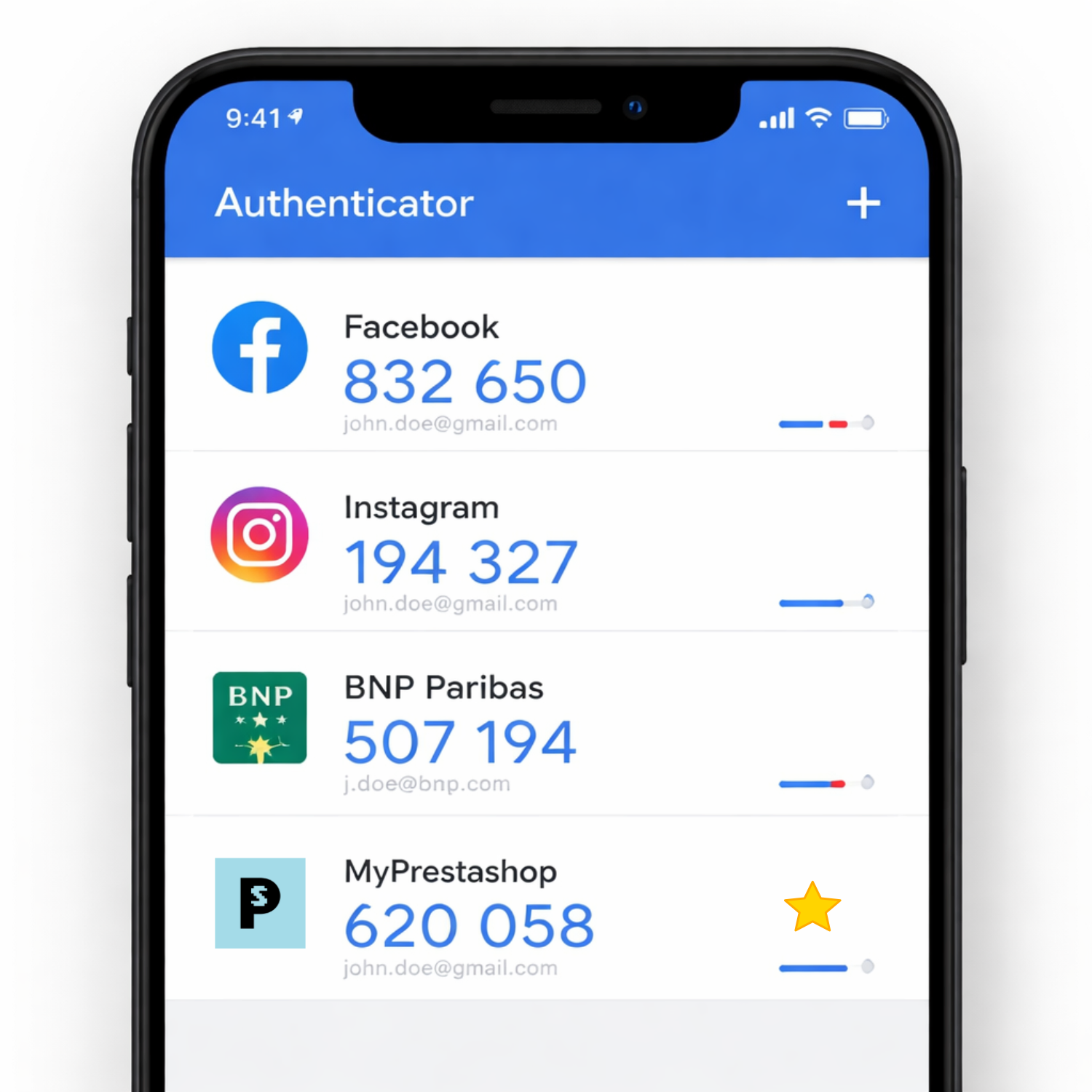
NDK 2FA adds an authenticator-app validation step (Google Authenticator, Authy, 1Password…) using the TOTP standard, with encrypted secrets and backup codes. Compatible with PrestaShop 8.x and 9.x.

ndk2FA

Product customisation

Don't forget to save your customization to be able to add to cart
  • 250 char. max
  • 250 char. max
  • 250 char. max
  • 250 char. max
  • 250 char. max
  • 250 char. max
  • 250 char. max
  • 250 char. max
  • 250 char. max
  • 250 char. max
  • 250 char. max
  • 250 char. max
  • 250 char. max
  • 250 char. max

Customize

Please inform domain name (1 licence per domain)

You can't add more than

You must add a minimum of lines

Covers technical issues on the module in question, does not include specific feature or integration requests.

Include updates.

arrow_drop_downOverview :

prices are expressed including taxes

Total :

Add to cart

Share your customization with your firends

€59.99 TTC

Tax incl.
VAT included
request_quoteAdd to quotation

check_circleSucessfully saved

View

x
€59.99 TTC

Tax incl.
VAT included

Free delivery

done_outlineCompatibilité Prestashop : 1.7.x, 8.0.x, 9.x

Presentation

2 Supported user types
TOTP OTP standard
10 Backup codes
AES Encrypted secrets

🎯 Key Features

👨‍💼

Back Office 2FA (Employees)

  • Enforced validation before accessing BO
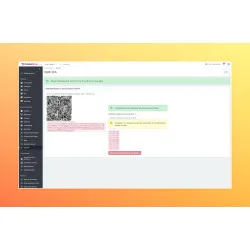
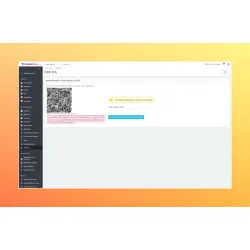
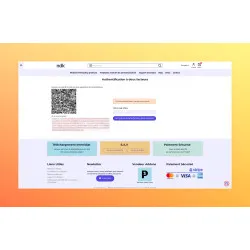
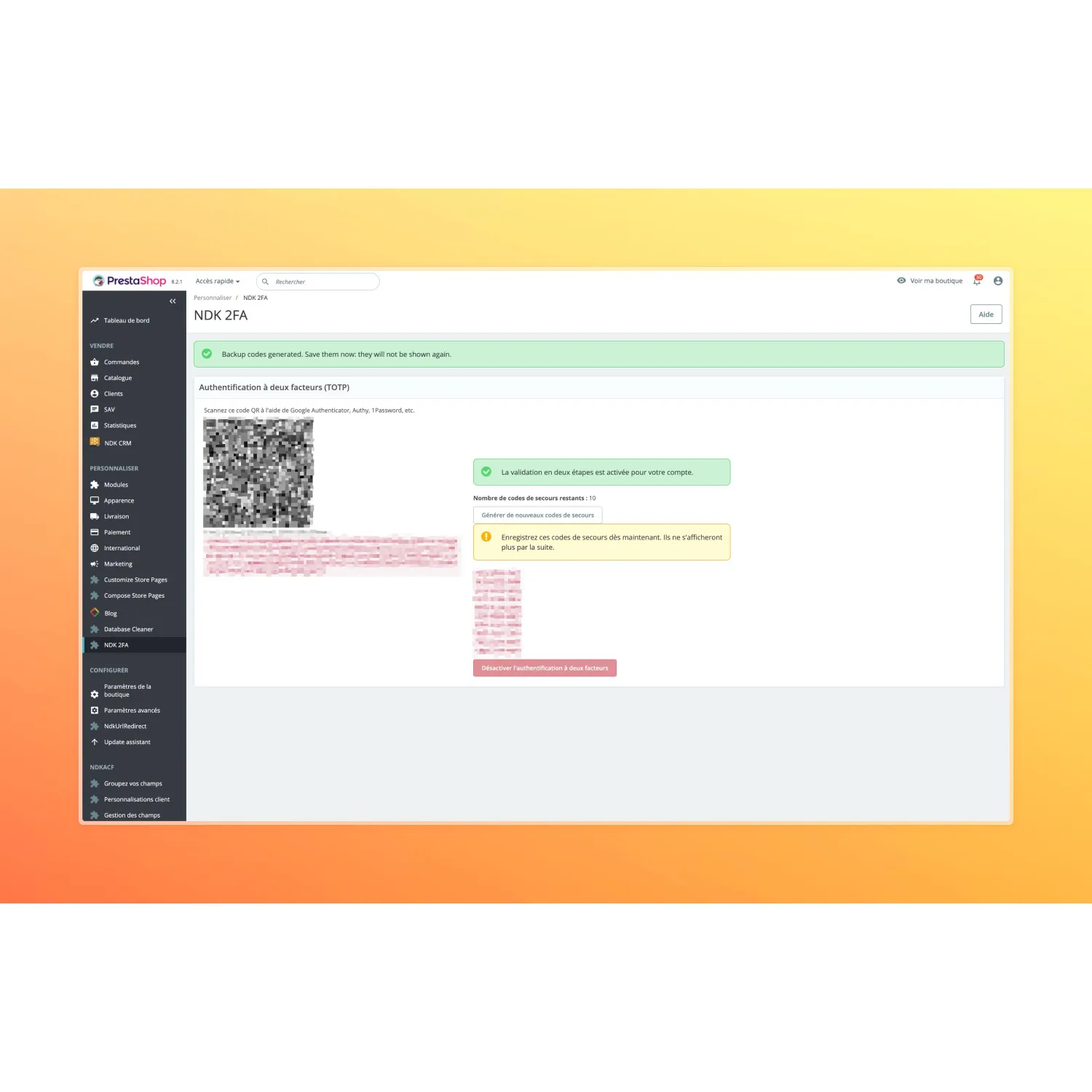
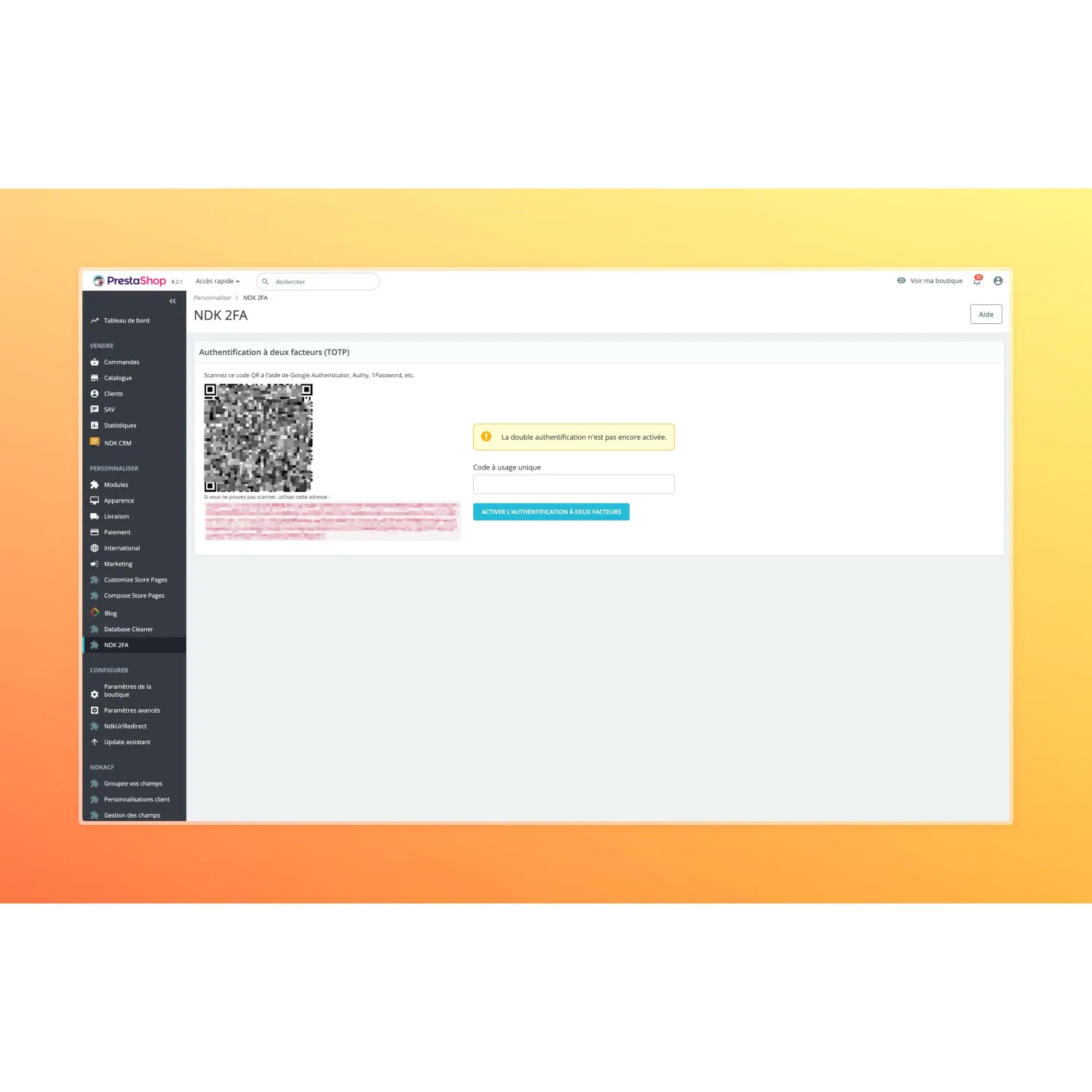
  • Personal setup with QR code
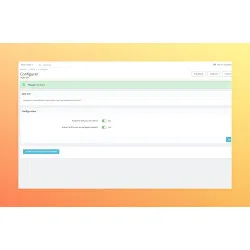
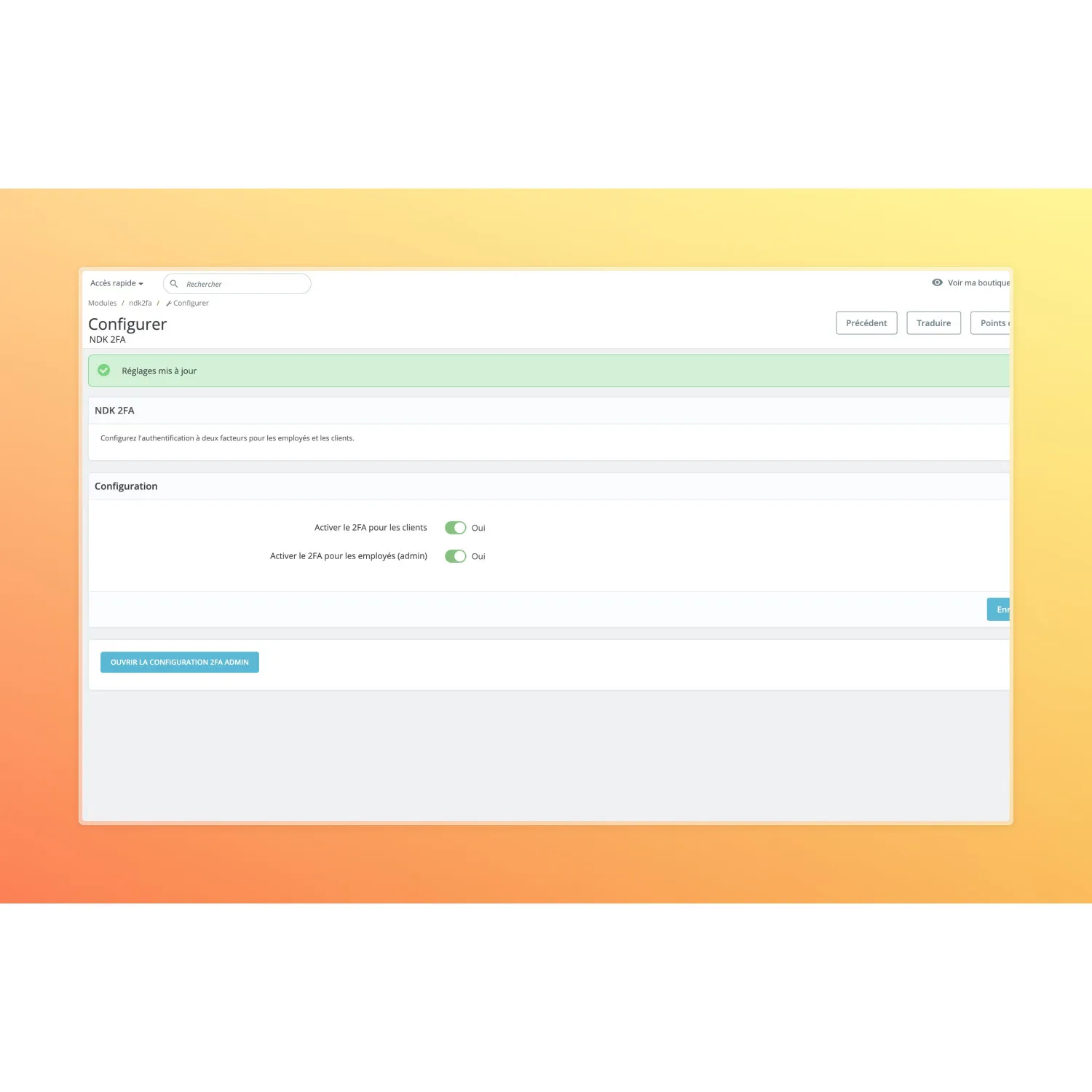
  • Global toggle “Enable for employees”
  • BO and FO sessions isolated (same browser)
  • Backup codes supported at login
🧑‍🛒

Front Office 2FA (Customers)

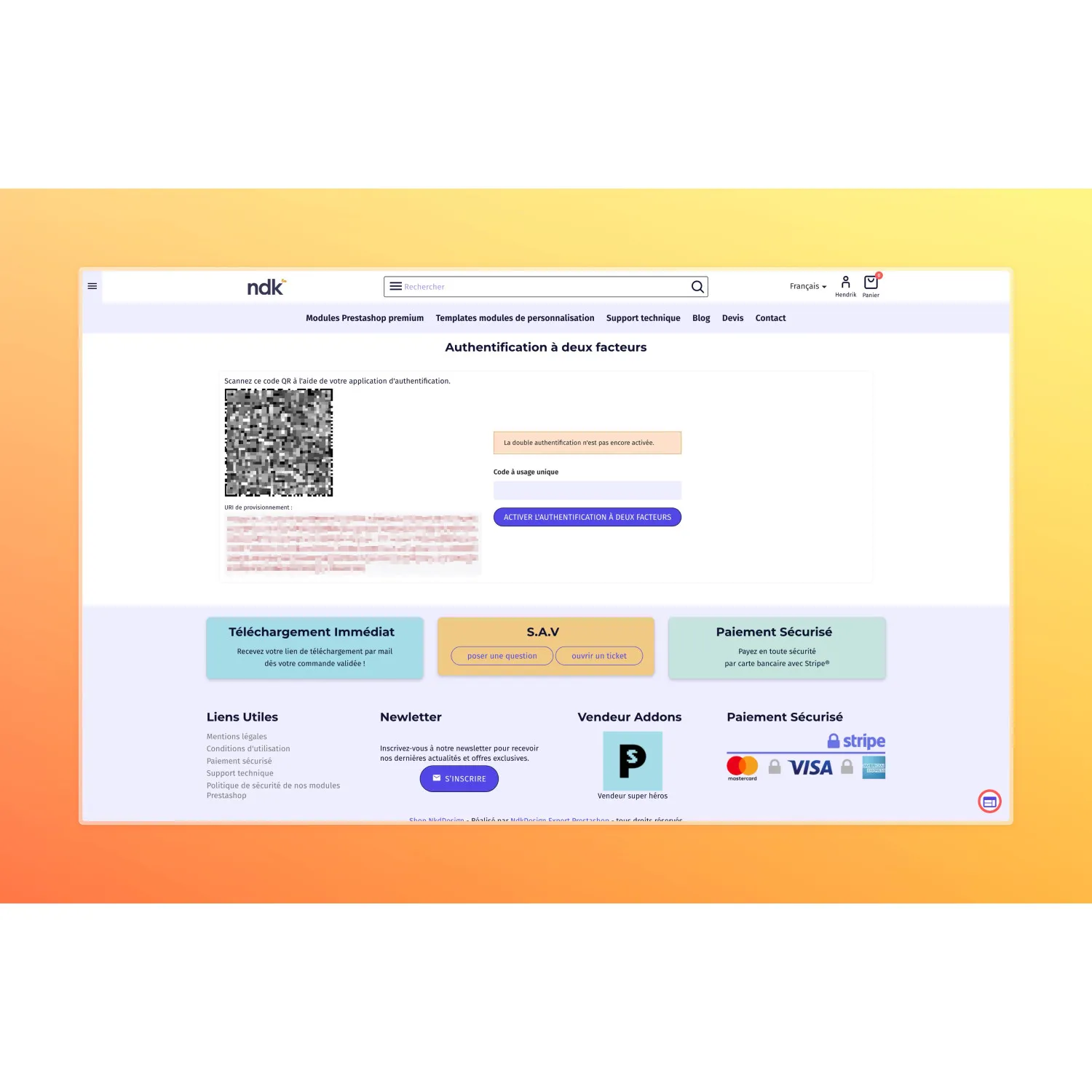
  • Intercept customer login
  • Redirect to a validation screen
  • “Two-Factor Authentication” link in My account
  • Global toggle “Enable for customers”
  • Block navigation until validated (session-based)
🔐

Security & Encryption

  • TOTP secret stored encrypted (never plain text)
  • Key derived from a stable PrestaShop secret
  • Dedicated table `ps_ndk2fa_user` (no core tables modified)
  • Enable/disable 2FA per user
  • Multi-session friendly (BO/FO separation)
🧱

Brute force protection

  • Attempt counter
  • Temporary lockout
  • Reset on successful validation
  • Protects TOTP and backup codes
  • Clear, user-friendly flow
🧾

Backup codes

  • Generate 10 one-time codes
  • Displayed once (flash)
  • Stored hashed (non-reversible)
  • Consumed on use
  • Regenerate anytime
⚙️

PrestaShop integration

  • BO hook: `actionAdminLoginControllerLoginAfter`
  • FO hook: `actionAuthentication`
  • Dedicated BO/FO controllers (setup + validate)
  • OTPHP library (spomky-labs/otphp)
  • Install/uninstall SQL included

🧩 User flow

1️⃣ Setup
Scan QR code + enter a TOTP
2️⃣ Login
Standard login then validation redirect
3️⃣ Validate
TOTP code or backup code
4️⃣ Access
Access granted for the current session

✅ Guaranteed compatibility

NDK 2FA is built for modern PrestaShop and does not alter any core tables (employees/customers).

PrestaShop 8.x PrestaShop 9.x Back Office Front Office PHP 8+ MySQL / MariaDB TOTP (OTPHP) No core tables modified No core overrides

❓ Frequently Asked Questions

Can I enable 2FA only for Back Office or only for customers?

Yes. The module provides two independent toggles: one for employees (Back Office) and one for customers (Front Office).

Is the TOTP secret stored in plain text?

No. The secret is stored encrypted in the dedicated `ps_ndk2fa_user` table. No changes are made to `ps_employee` or `ps_customer`.

What if the user loses their phone?

They can use a backup code. Codes are generated and displayed once, then consumed on use.

Can I use Back Office and Front Office in the same browser?

Yes. BO and FO 2FA sessions use separate cookies (pending/validated) to avoid collisions.

Data sheet

Compatibilité Prestashop
1.7.x
8.0.x
9.x

? Frequently Asked Questions

Can I enable 2FA only for Back Office or only for customers?

Yes. The module provides two independent toggles: one for employees (Back Office) and one for customers (Front Office).

Is the TOTP secret stored in plain text?

No. The secret is stored encrypted in the dedicated `ps_ndk2fa_user` table. No changes are made to `ps_employee` or `ps_customer`.

What if the user loses their phone?

They can use a backup code. Codes are generated and displayed once, then consumed on use.

How many emails can I send per month?

There are no limitations in the module. The number of emails depends only on your hosting and SMTP configuration. We help you optimize your sends during installation.

Comments (0)
No customer reviews for the moment.